Guide for remote use with eduID (Shibbeloth)
(This page was last modified on 10 November 2026)
Guide for remote use with eduID (Shibboleth)
Accessing the University database subscriptions with eduID (Shibboleth):
We inform our Users that some of the national and international databases available at the library are now also available remotely for both the University staff and students using eduID (Shibboleth) technology.
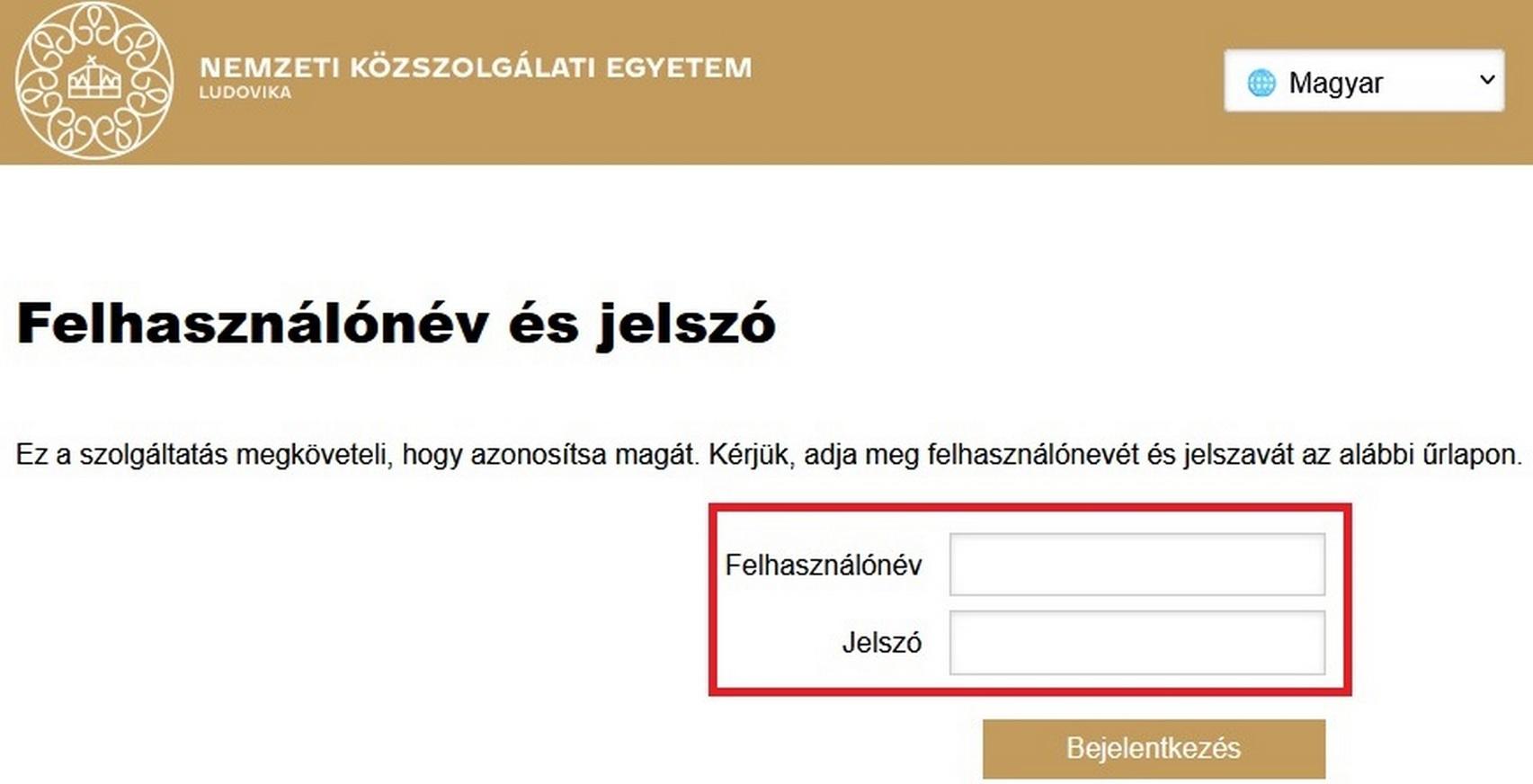
To use the databases remotely, you will need to select the Ludovika University of Public Service on the site, followed by a username and password.
For UPS teachers and staff:
- Username: network log-in name, the one used to log in to university computers
- Password: network password, the one used with the network username
For UPS students:
- Username: your Neptun code, in all capitalized letters
- Password: the password used for Moodle. This was originally acquired as a message on Neptun that you had to change when you first logged in.
Detailed information about the eduID access for the individual databases
Akadémiai Kiadó Folyóiratcsomag
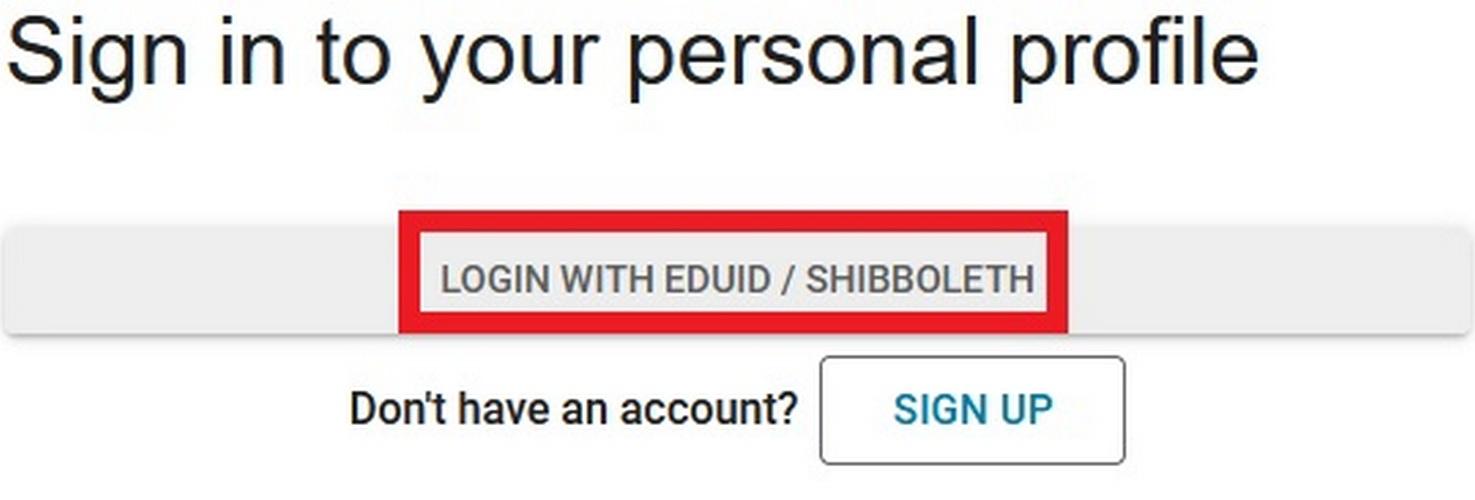
Choose „Sign in” – „Login with eduID / Shibboleth” - „University of Public Service (Ludovika University of Public Service)” – then enter eduID log-in information.


Annual Reviews – Social Sciences Collection
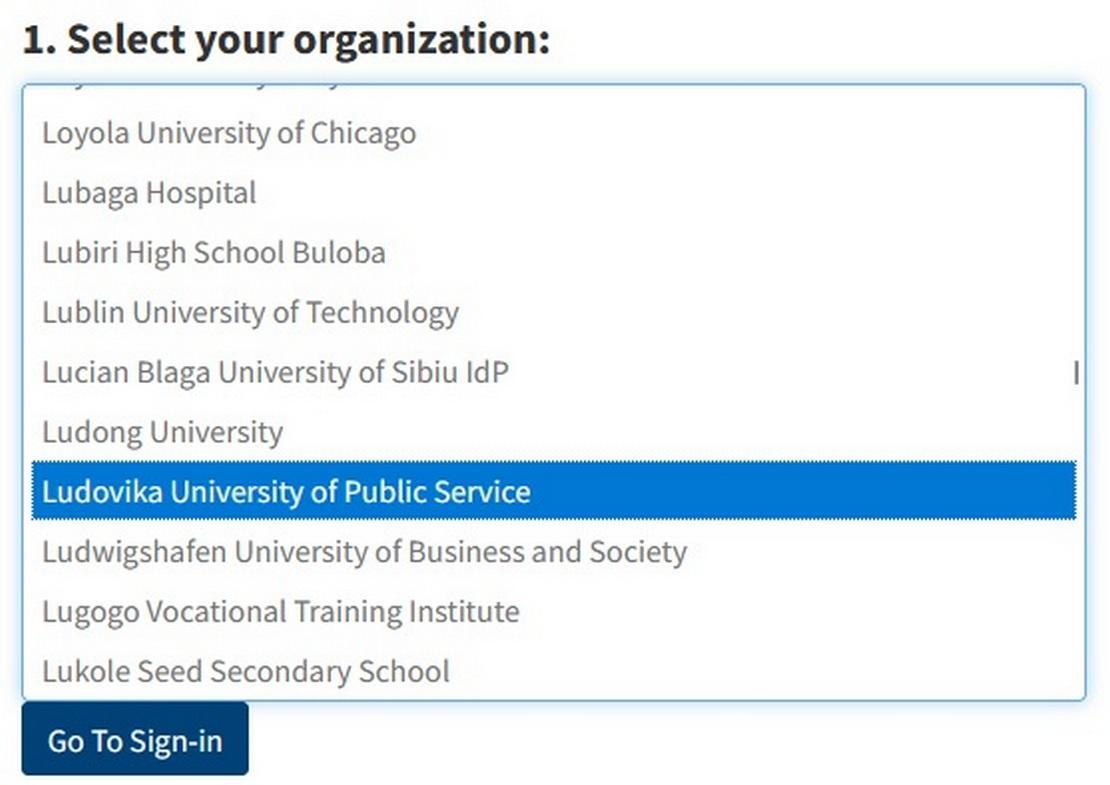
Choose „Institutional Login" - „Select your organization" - „Ludovika University of Public Service" - „Go To Sign-in" - then enter eduID log-in information.

Arcanum Digitális Tudománytár (ADT)
Choose „Log in” – „Login with eduID” - „Ludovika University of Public Service" - then enter eduID log-in information.
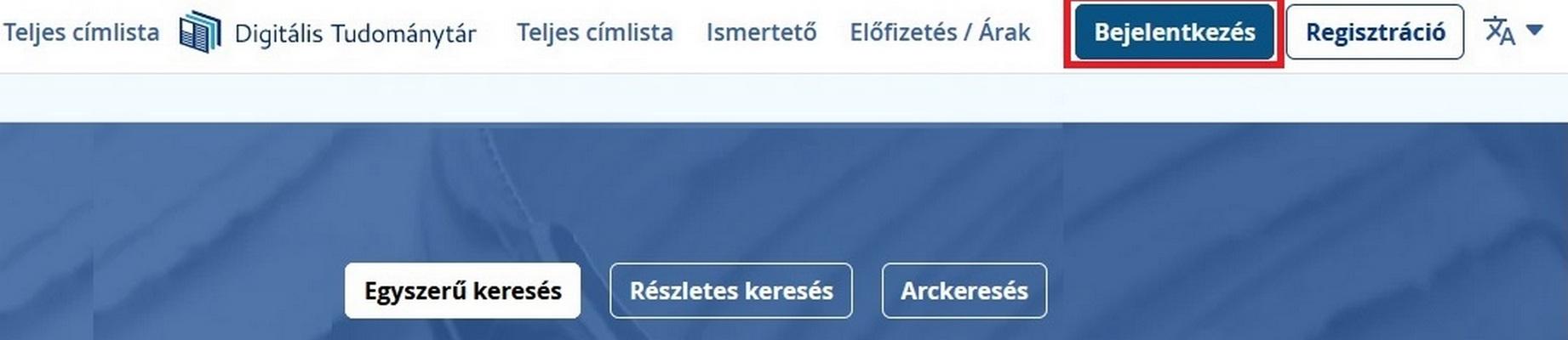
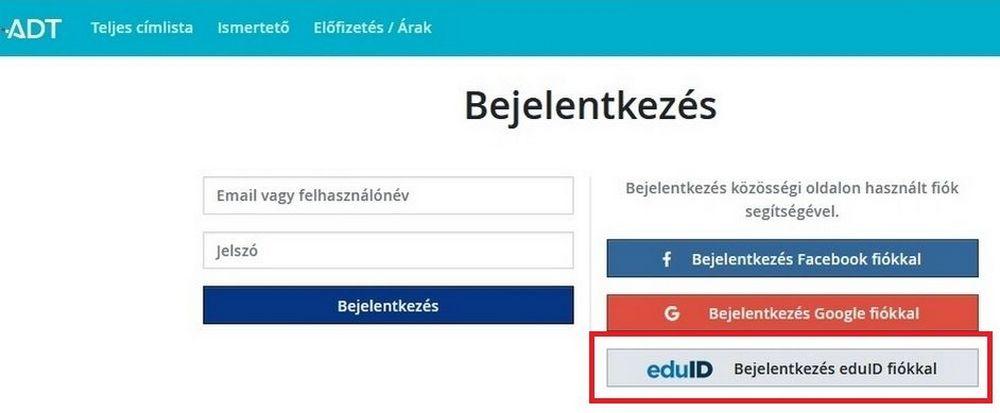
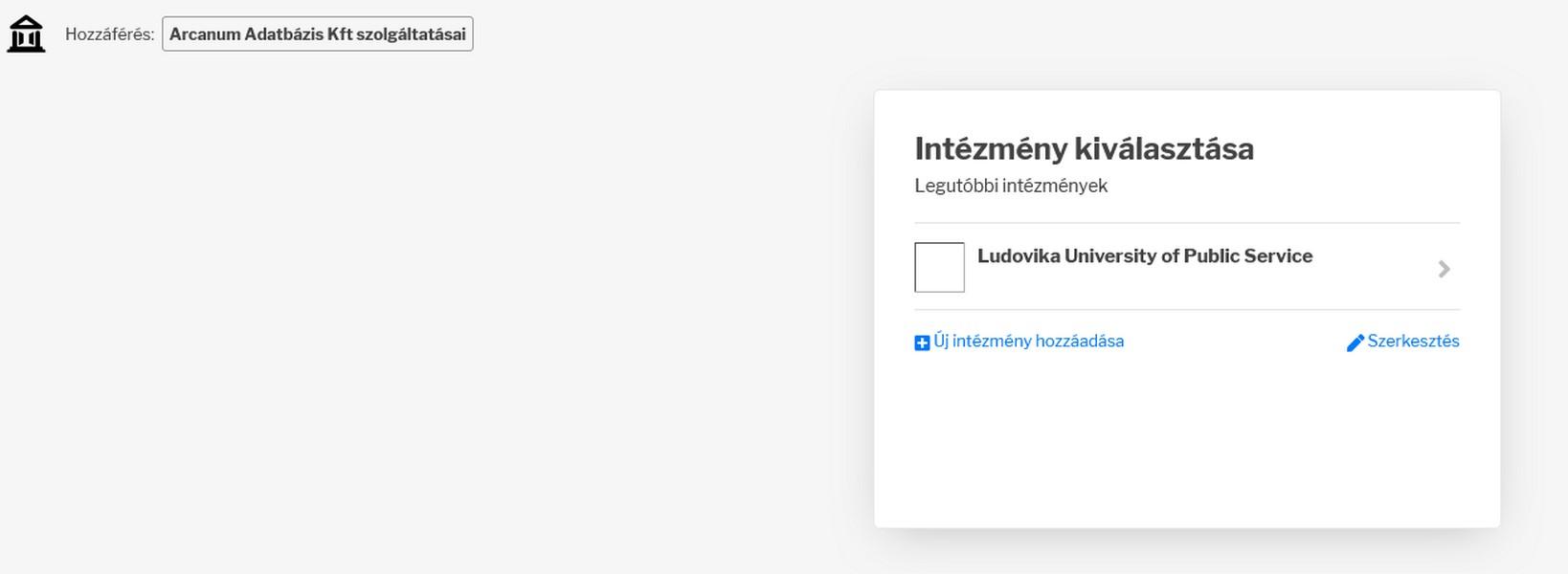
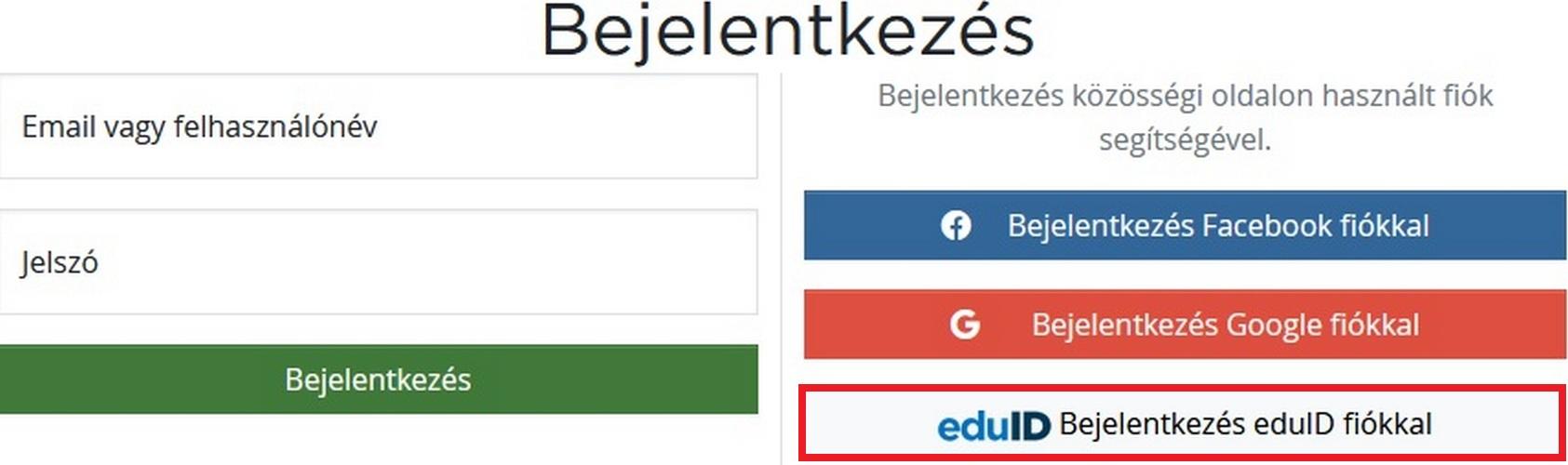
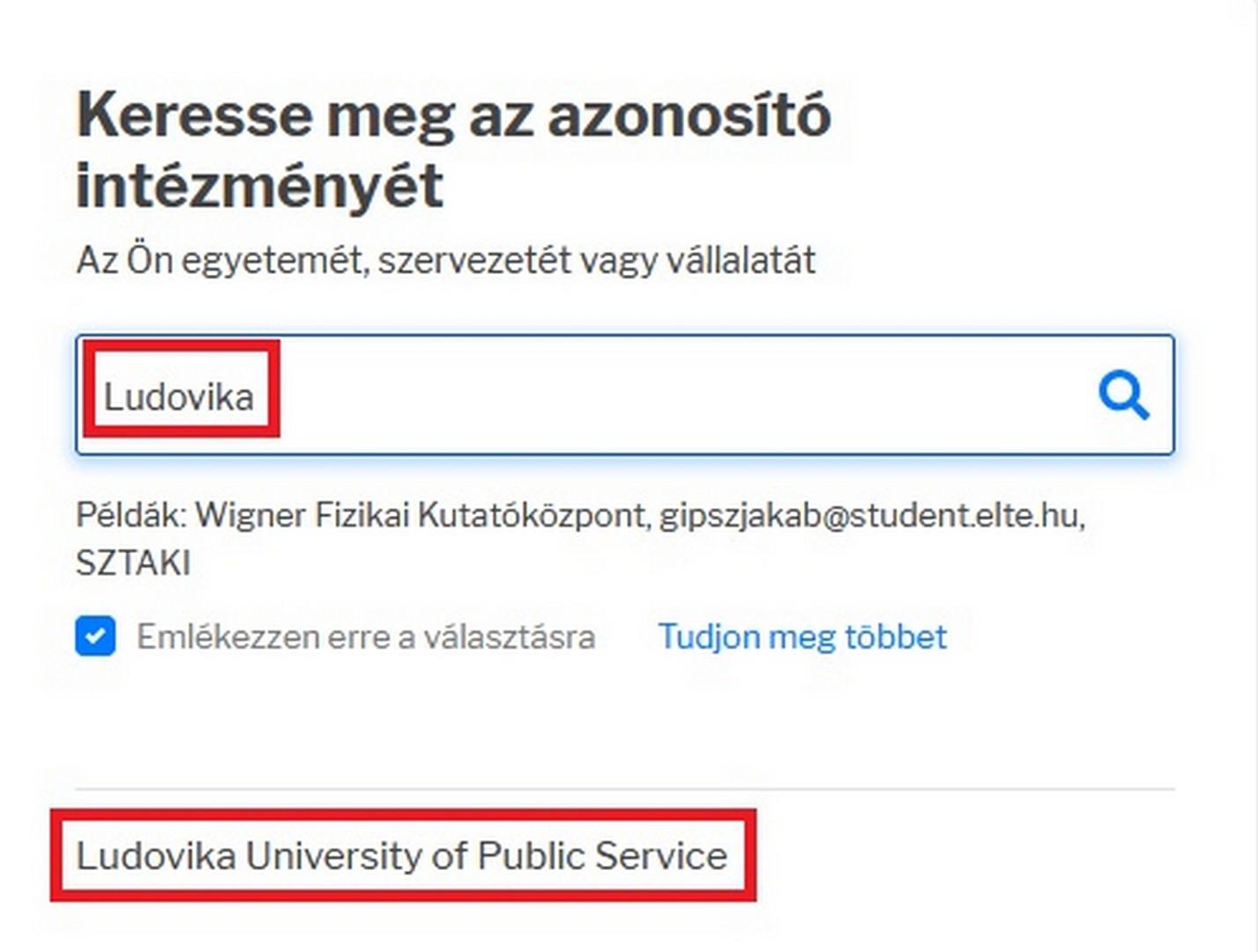
Choose „Bejelentkezés" - „eduID Bejelentkezés eduID fiókkal" - „Ludovika University of Public Service" - then enter eduID log-in information.

Attraktor Kiadó - (Új előfizetés)
Choose „Bejelentkezés" - „eduID Bejelentkezés eduID fiókkal" - „Ludovika University of Public Service" - then enter eduID log-in information.
Balassi Kiadó - (Új előfizetés)
Choose „Bejelentkezés" - „eduID Bejelentkezés eduID fiókkal" - „Ludovika University of Public Service" - then enter eduID log-in information.
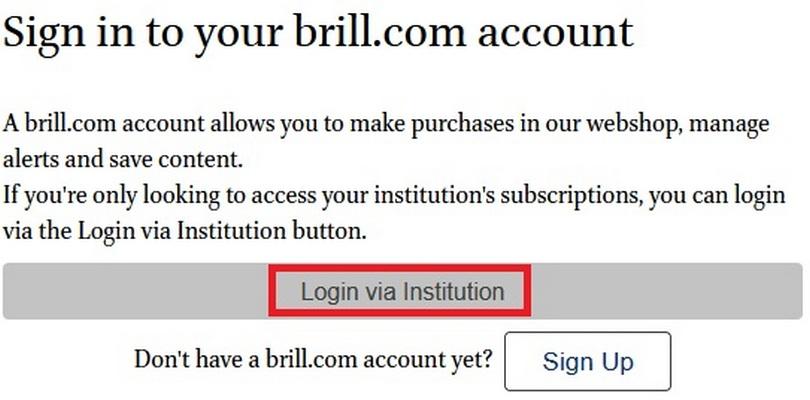
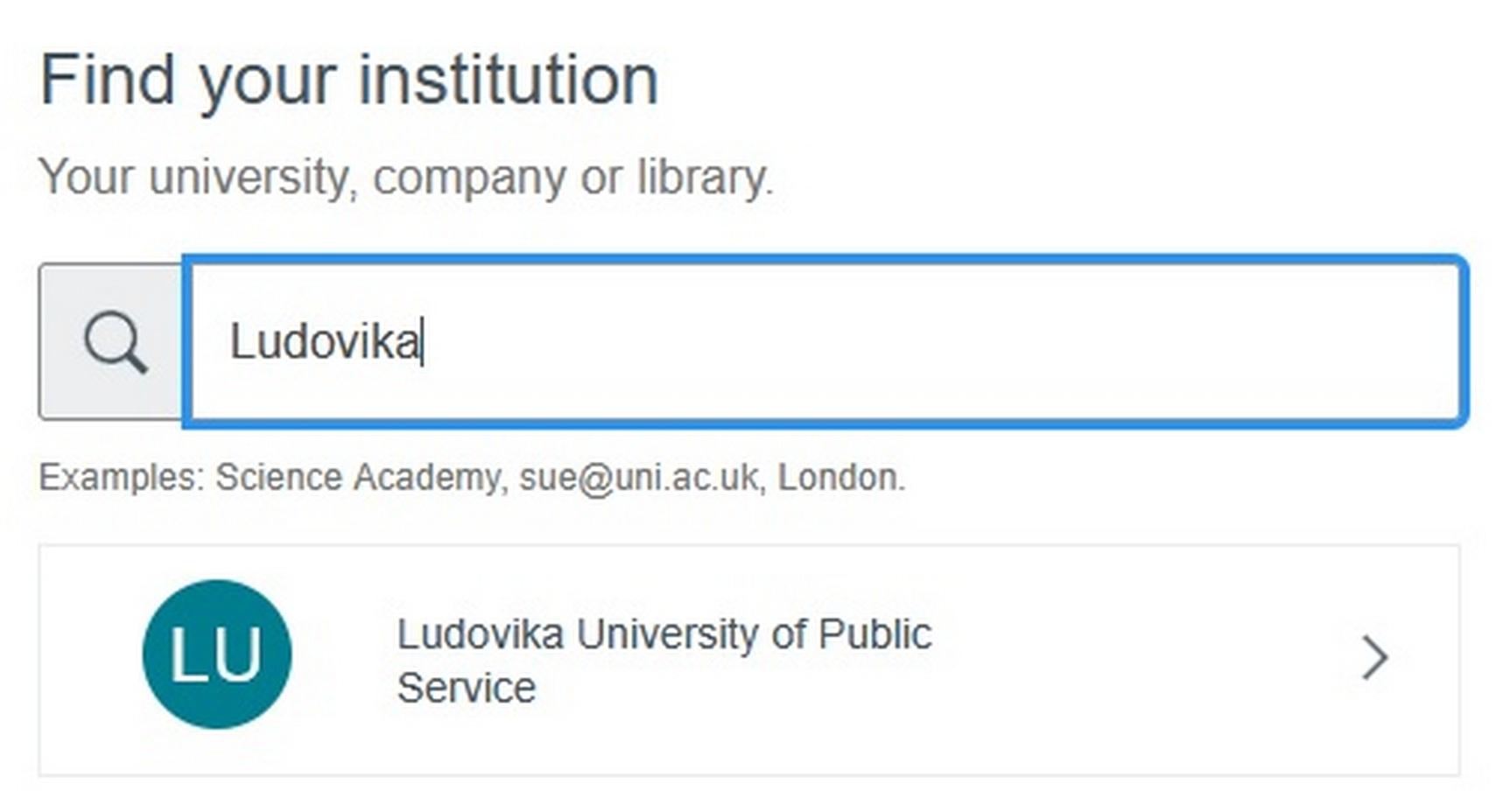
Brill Journals - International Law and Human Rights és Brill's Encyclopedia of China Online
Choose "Login to my Brill account" - „Login via institution" - „Ludovika University of Public Service" - then enter eduID log-in information.

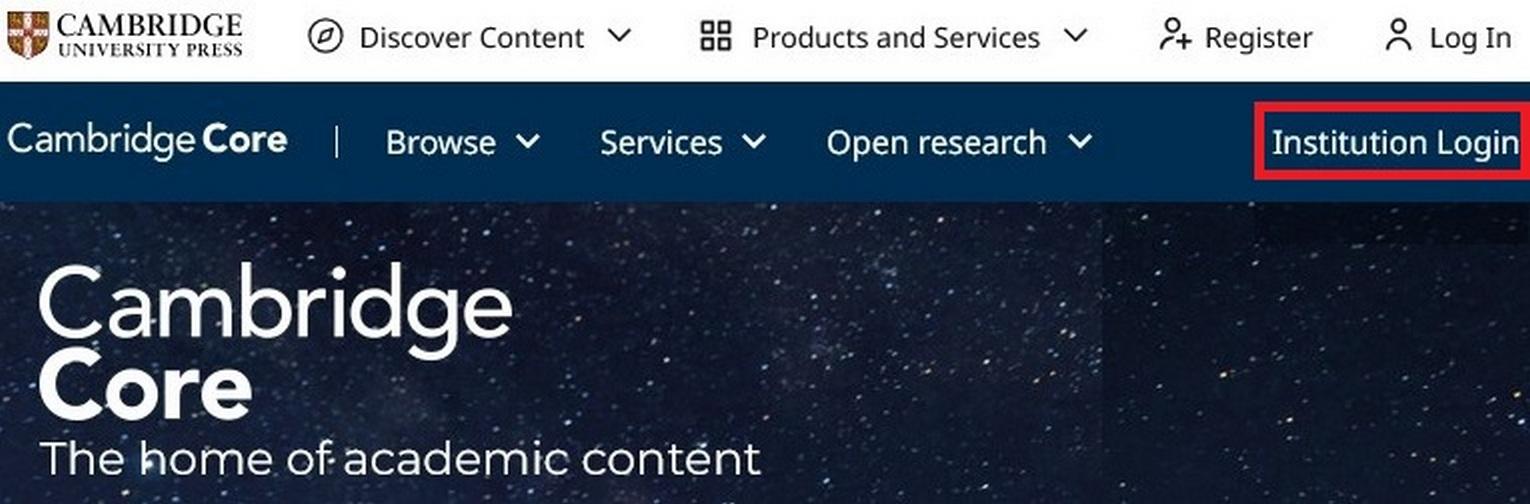
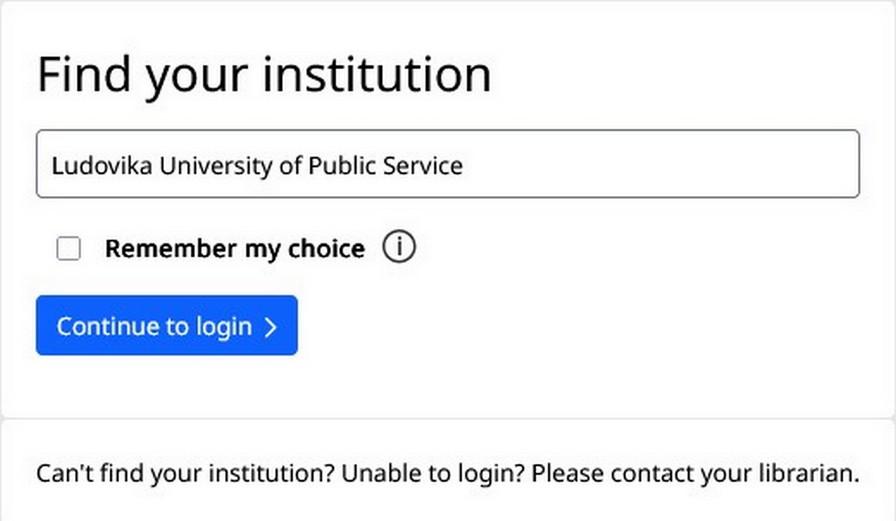
Cambridge University Press (CUP) Journals - Full Collection
Choose „Institution login" - „Ludovika University of Public Service" kiválasztása - "Continue to log in" - then enter eduID log-in information.
Choose "Manage Access" - "Add institutional access" - „Access through yout institution" - "Find your institution" - "University of Public Service" - then enter eduID log-in information.
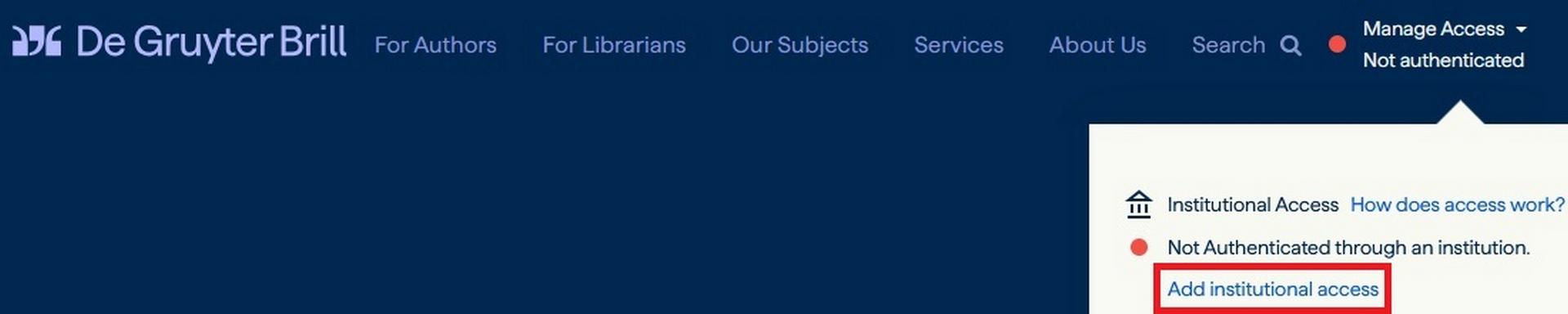
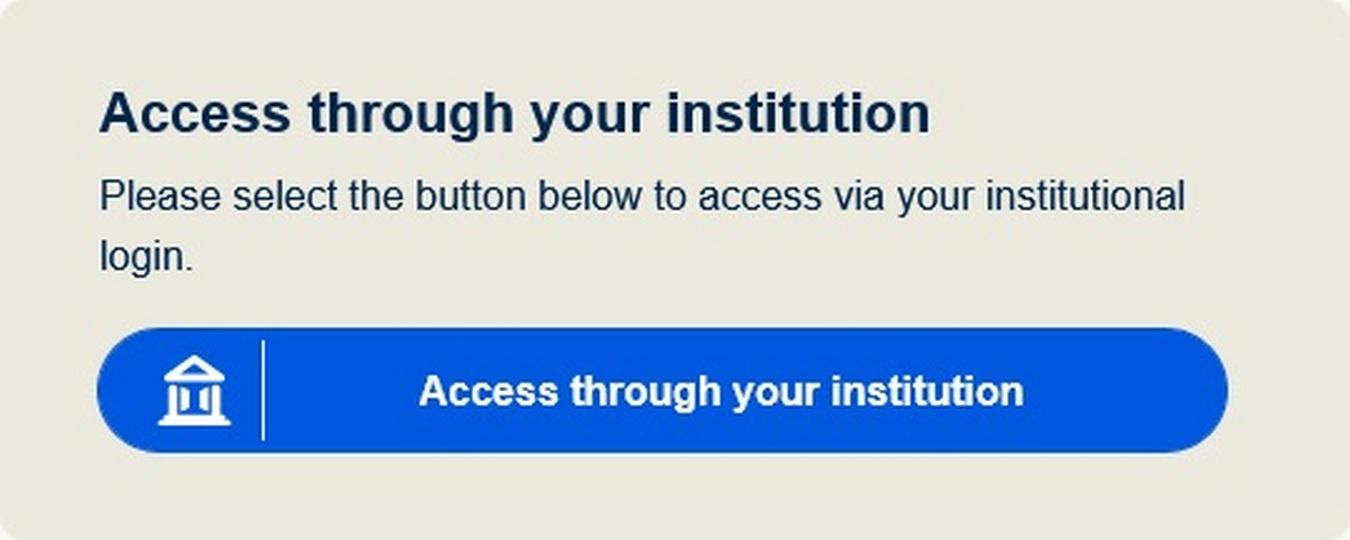
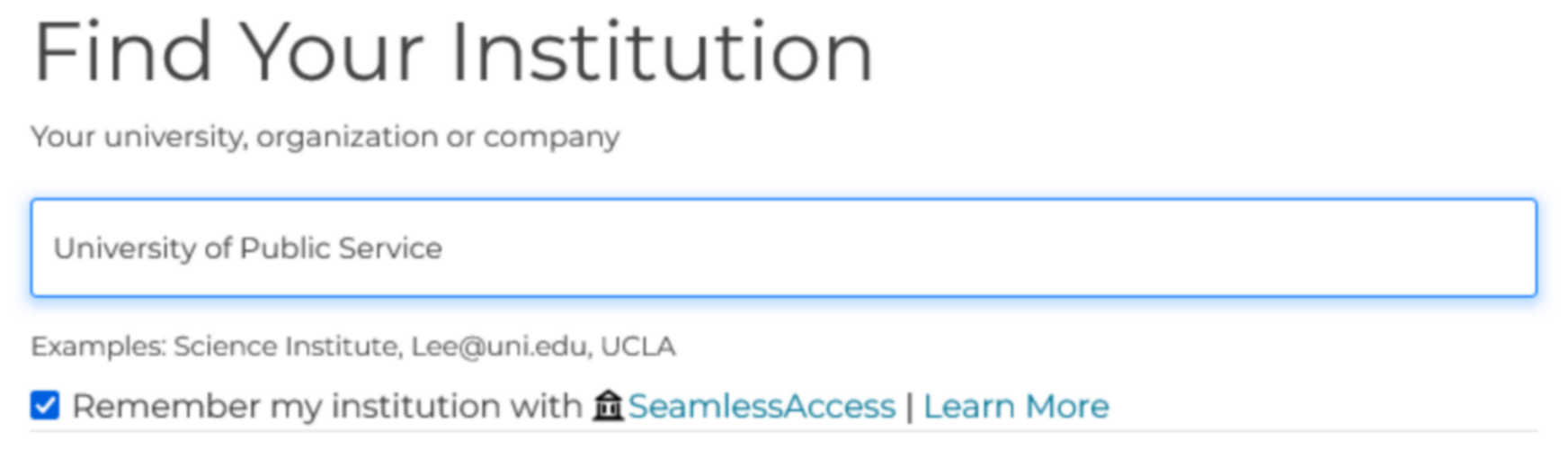
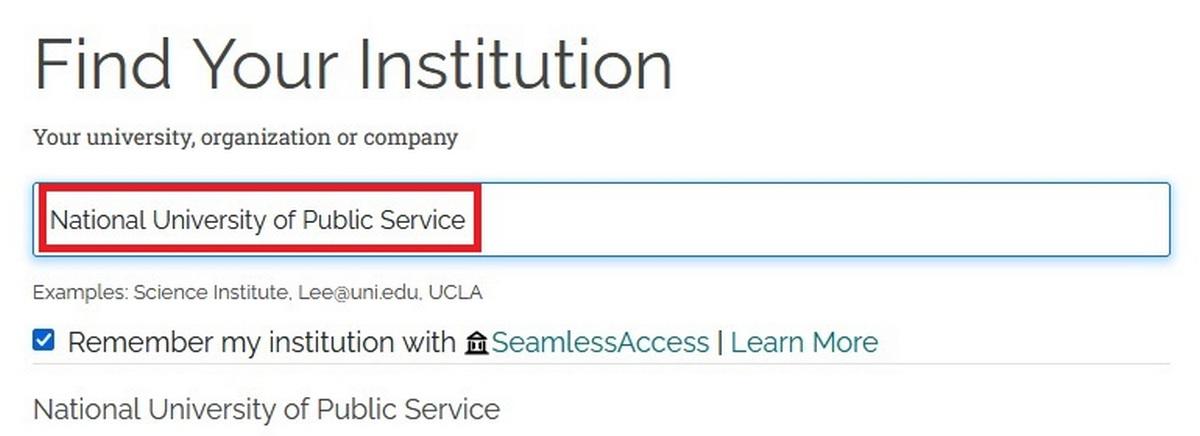
Choose „Login" - "Access through your institution" - „Find your institution" - "National University of Public Service" - then enter eduID log-in information.

Gale OneFile
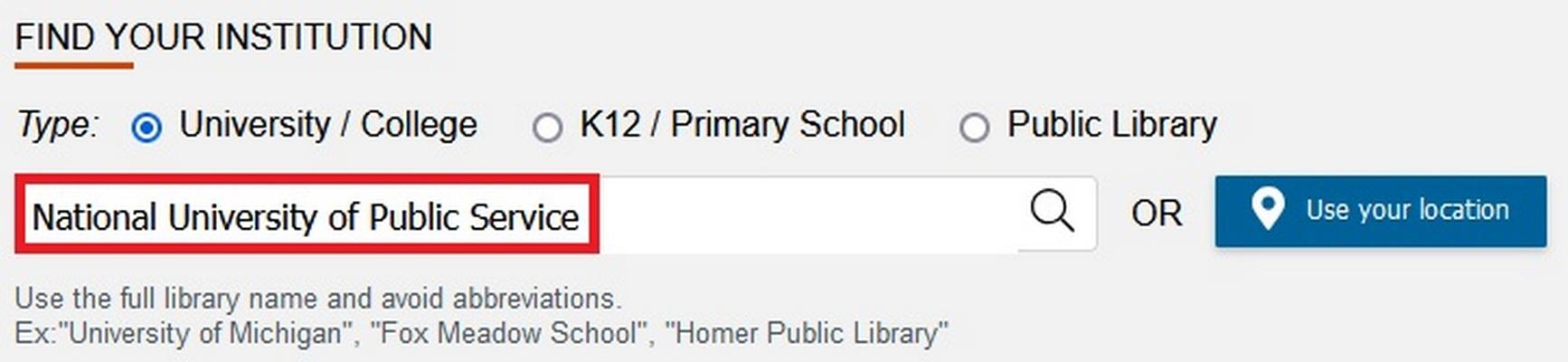
Choose "Find your Institution" - „National University of Public Service” - then enter eduID log-in information.
Choose „Bejelentkezés" - „eduID Bejelentkezés eduID fiókkal" - „Ludovika University of Public Service" - then enter eduID log-in information.

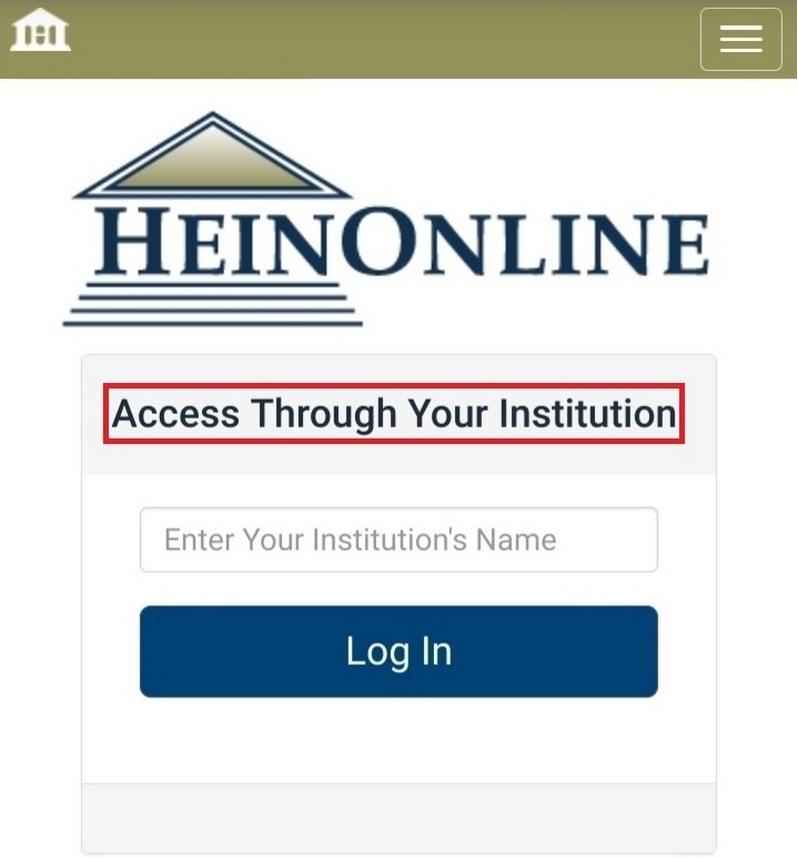
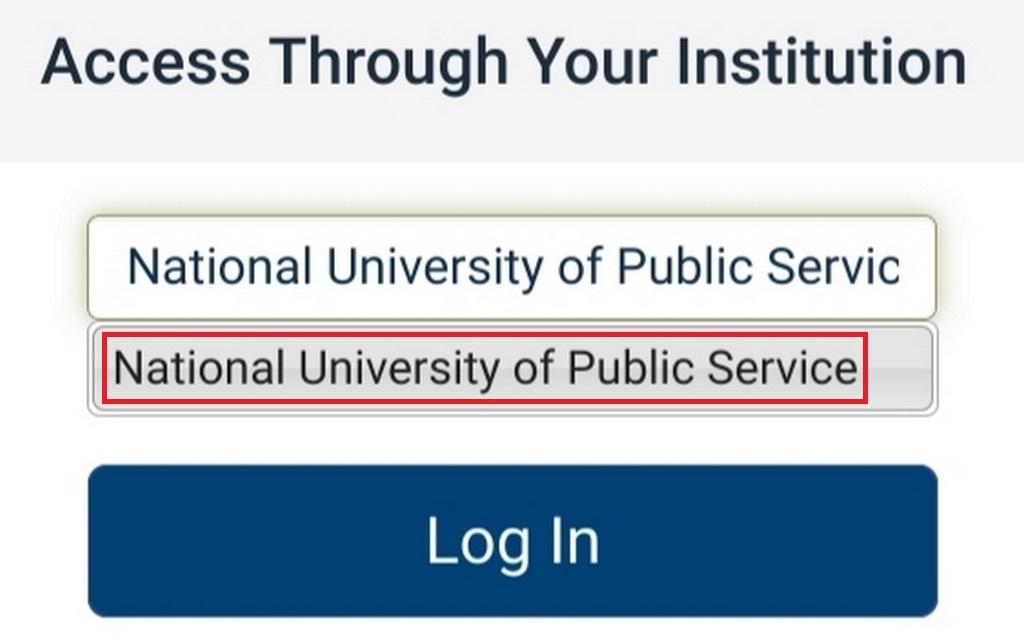
Choose „Login" - „Access Through Your Institution" - „National University of Public Service” - then enter eduID log-in information.

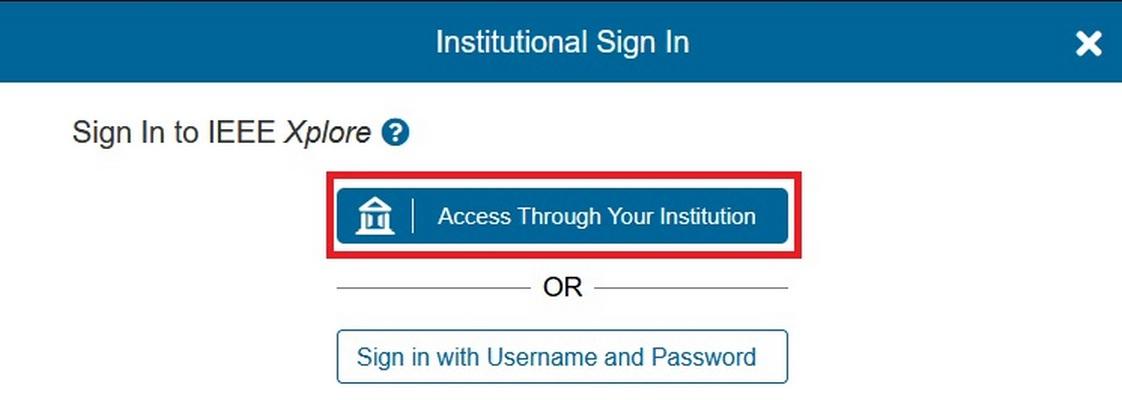
Choose „Institutional Sign In" - „Access Through Your Institution" - „University of Public Service” - then enter eduID log-in information.

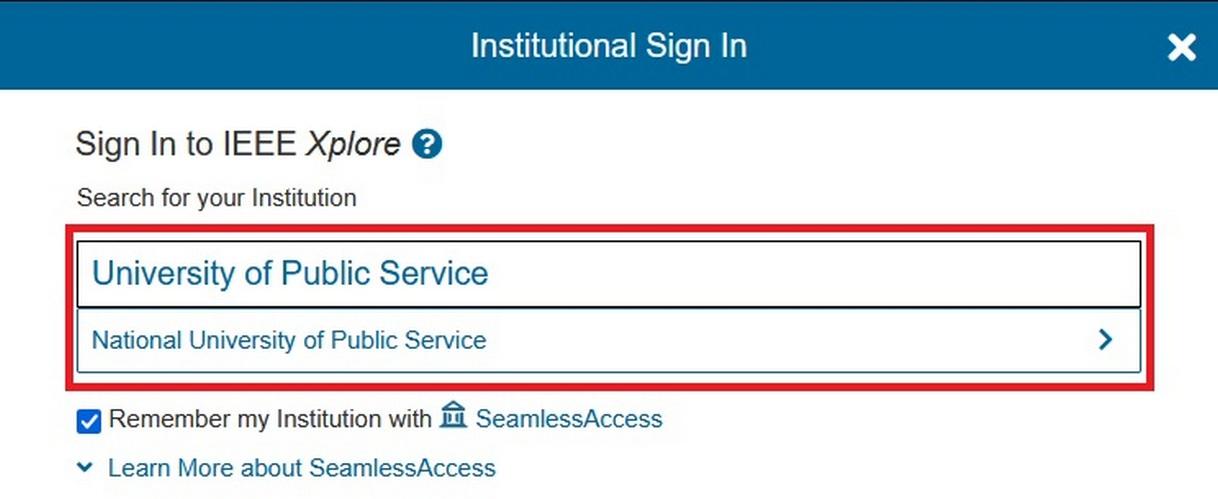
Choose „Log in" - „Find your institution" - „Ludovika University of Public Service" kiválasztása - then enter eduID log-in information.
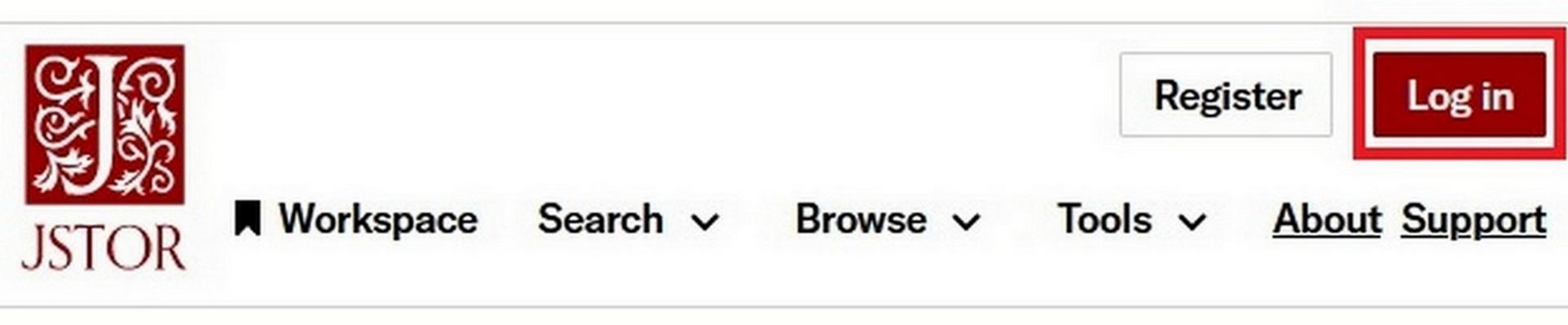
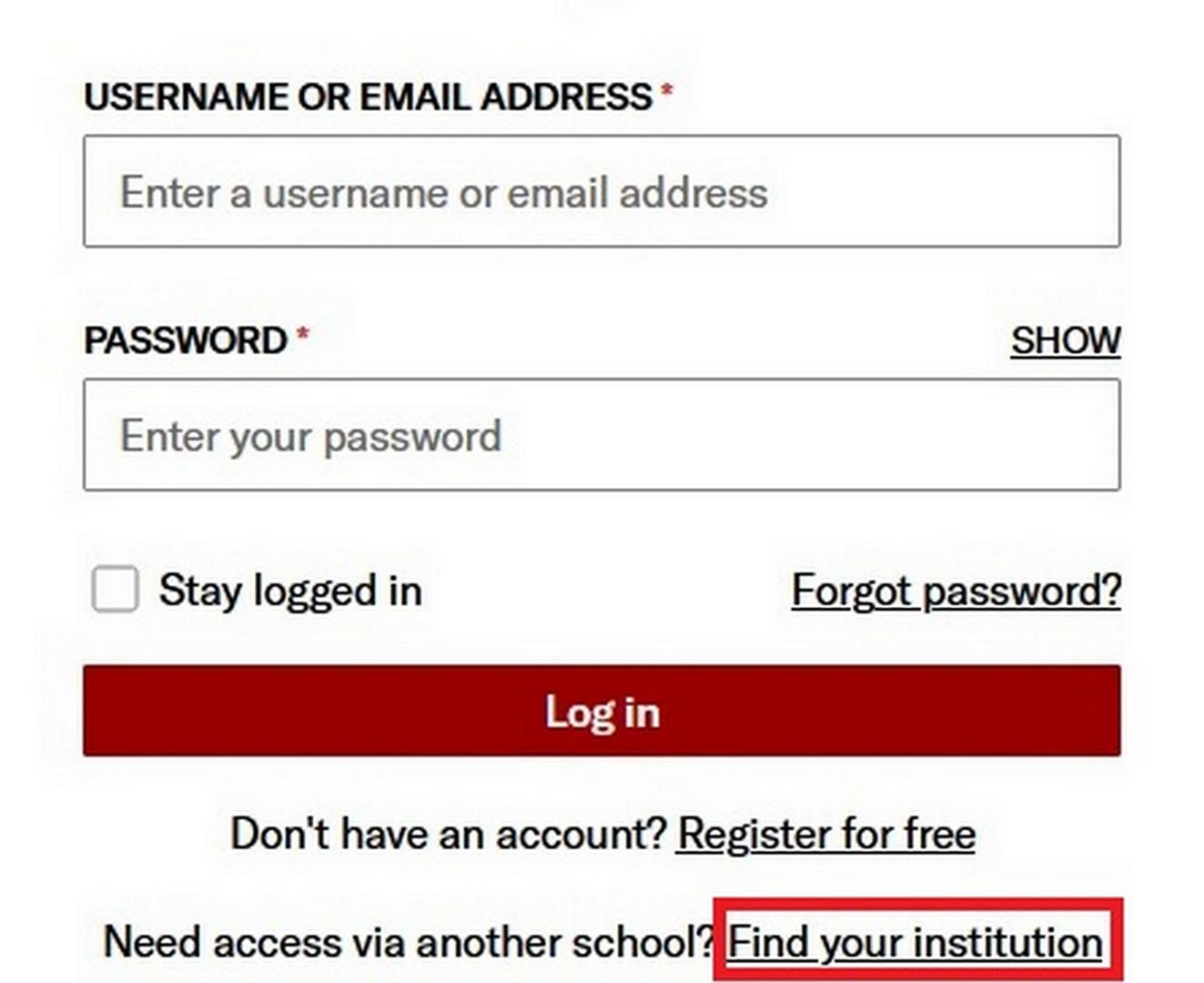
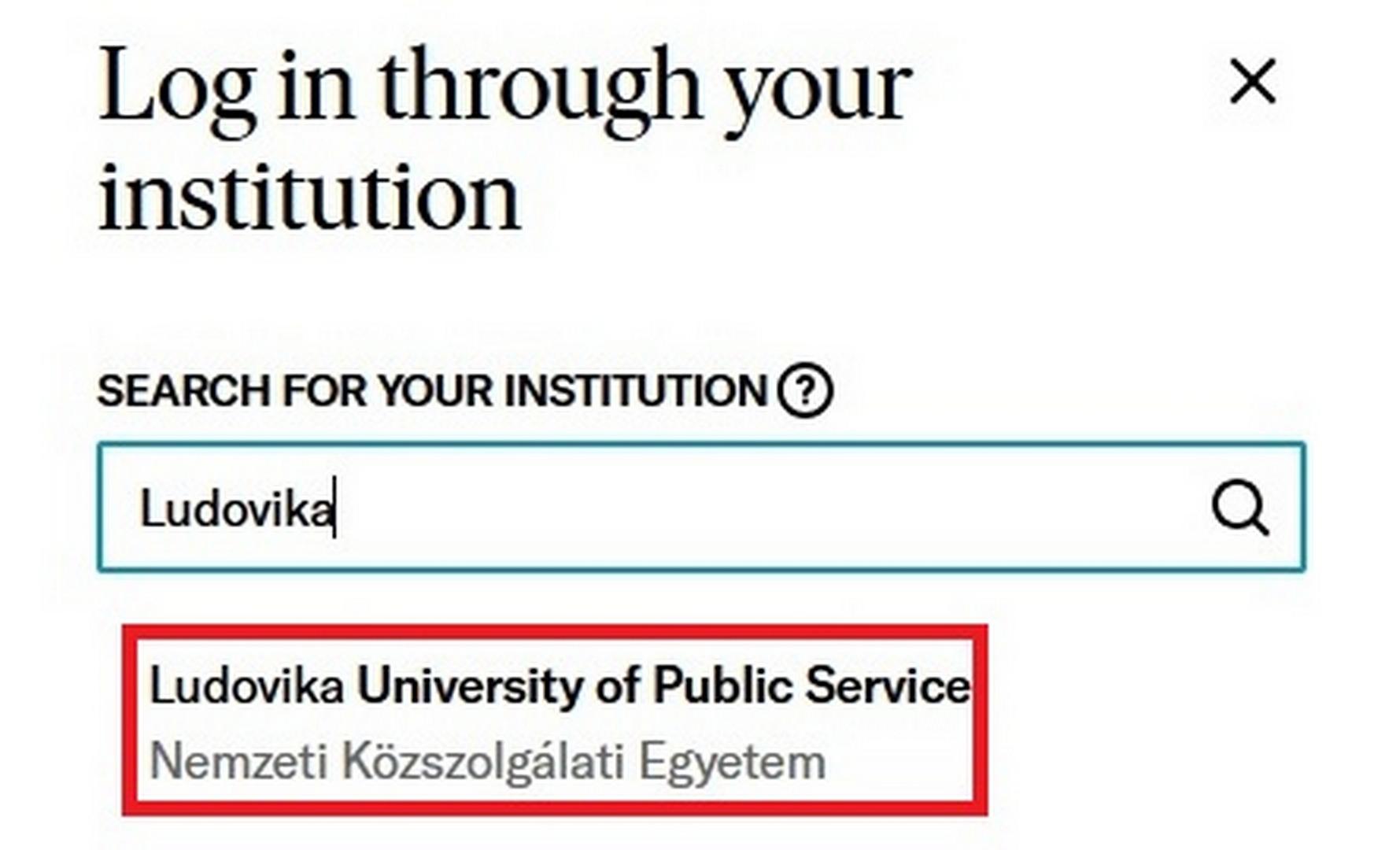
Kronosz - (Új előfizetés)
Choose „Bejelentkezés" - „eduID Bejelentkezés eduID fiókkal" - „Ludovika University of Public Service" - then enter eduID log-in information.
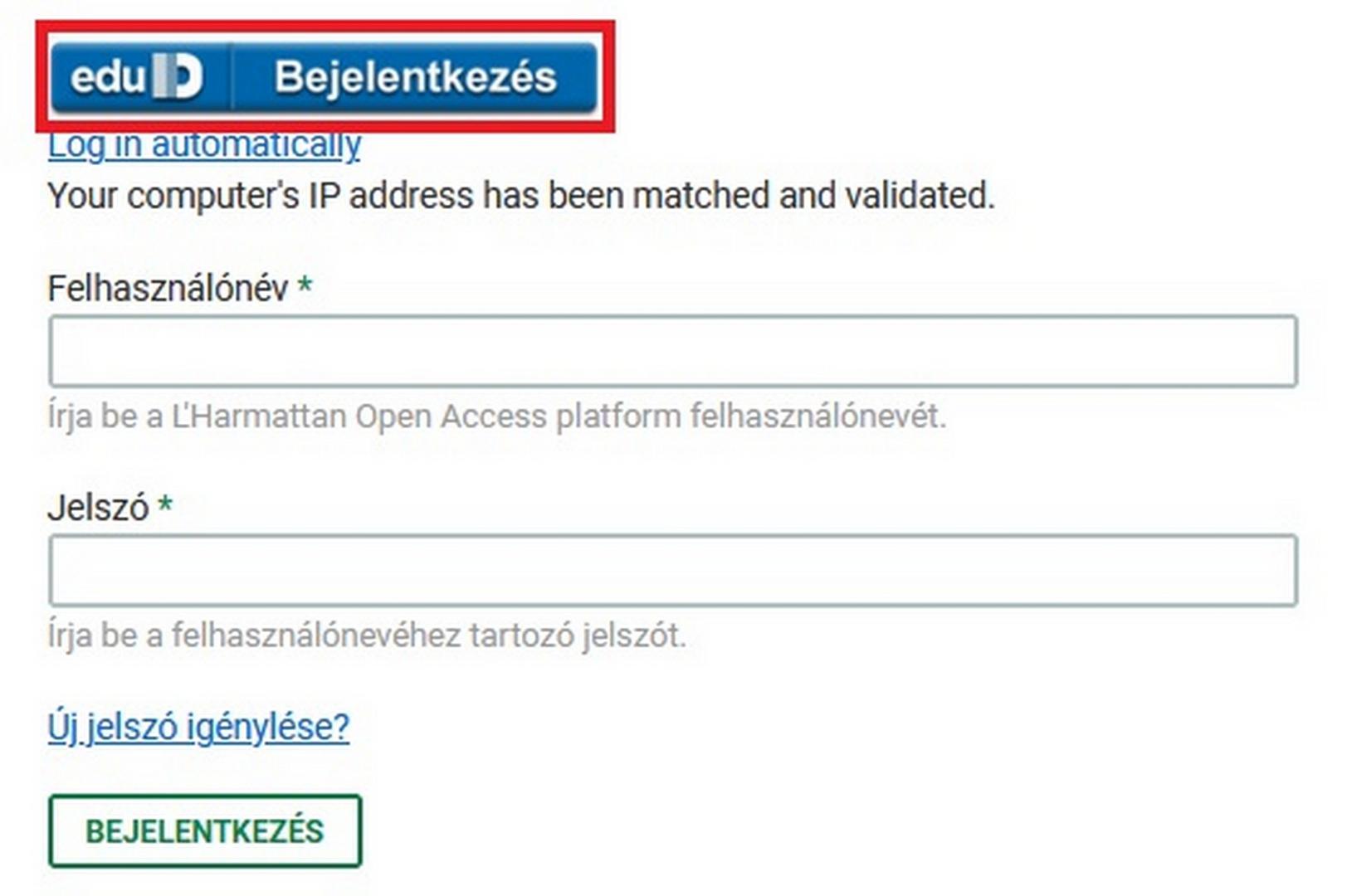
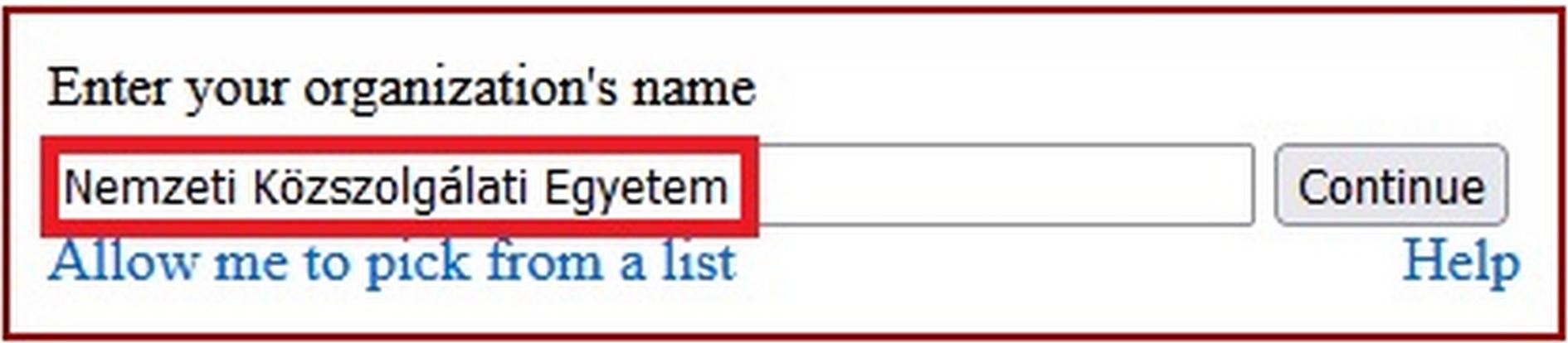
Choose „Bejelentkezés” – „eduID Bejelentkezés" - „Nemzeti Közszolgálati Egyetem" - then enter eduID log-in information.

Martin Opitz Kiadó - (Új előfizetés)
Choose „Bejelentkezés" - „eduID Bejelentkezés eduID fiókkal" - „Ludovika University of Public Service" - then enter eduID log-in information.
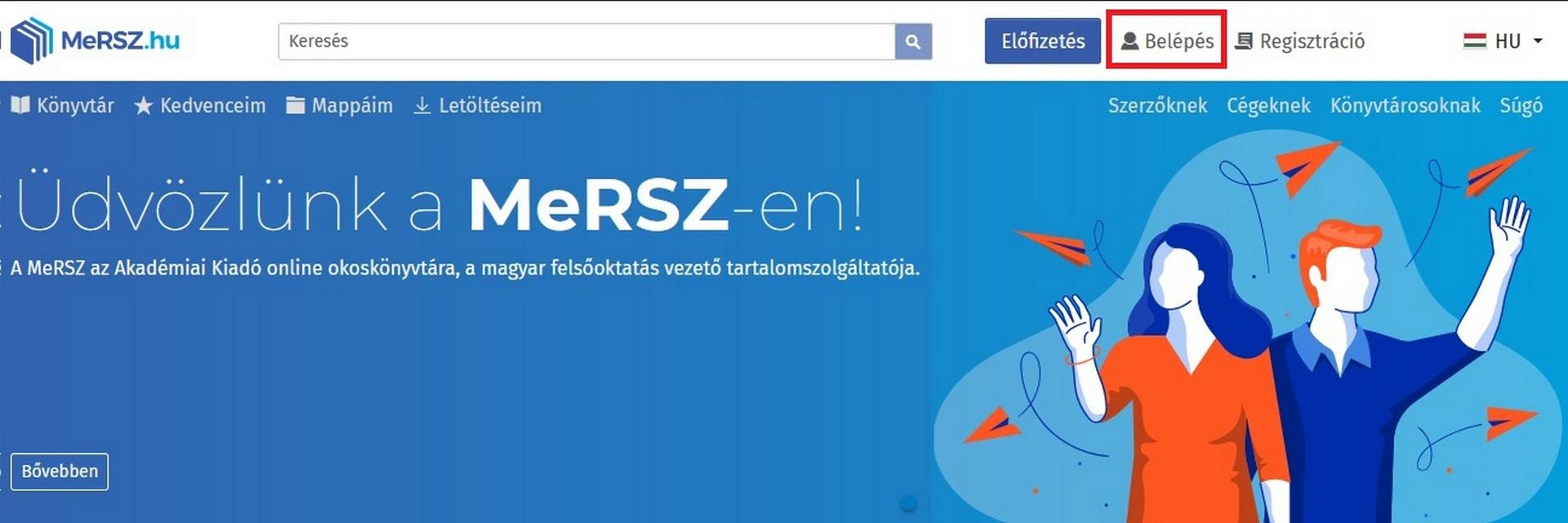
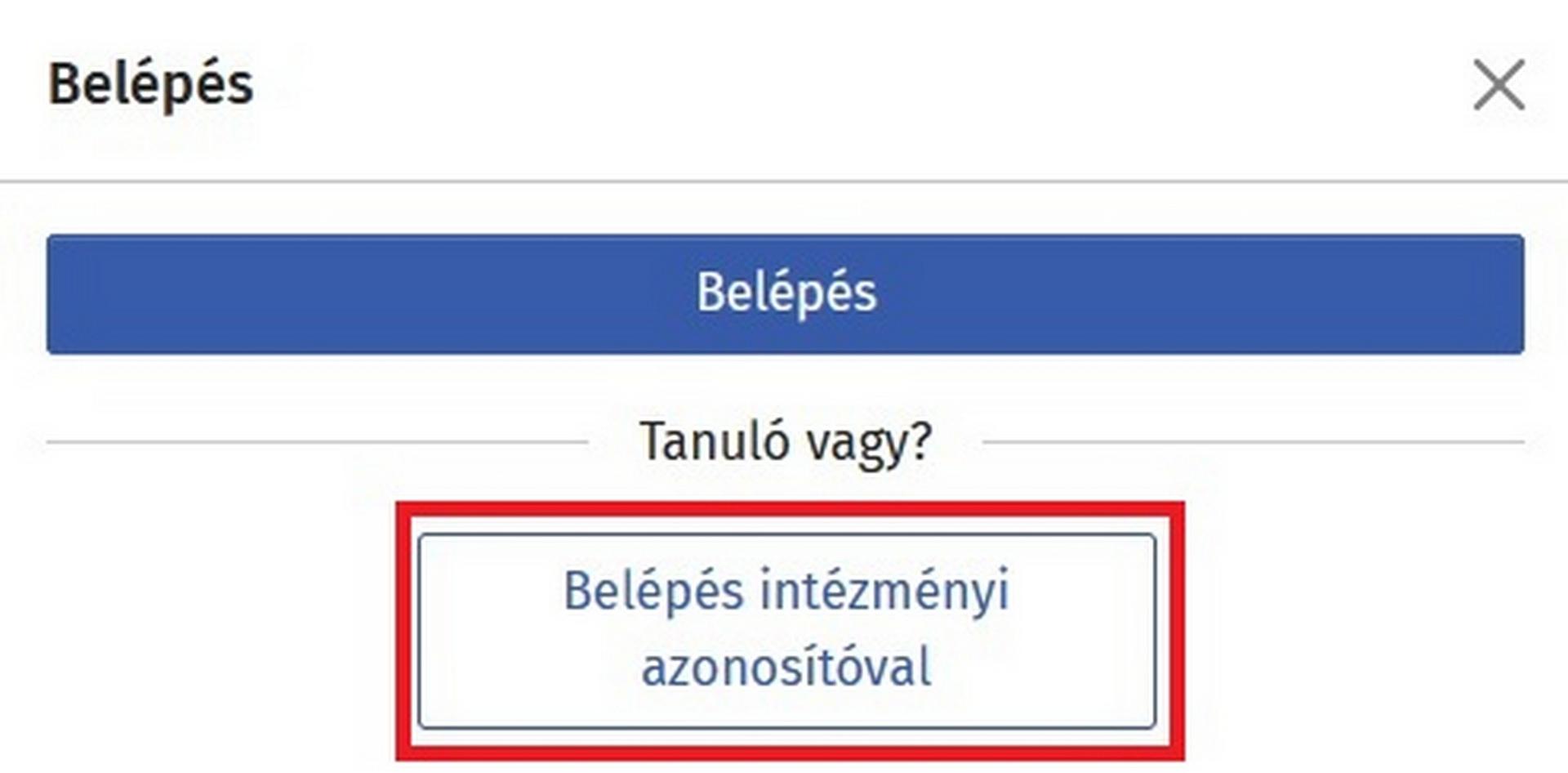
Choose „Belépés” menüpont – „Belépés intézményi azonosítóval" - „Nemzeti Közszolgálati Egyetem" - then enter eduID log-in information.
Nap Kiadó - (Új előfizetés)
Choose „Bejelentkezés" - „eduID Bejelentkezés eduID fiókkal" - „Ludovika University of Public Service" - then enter eduID log-in information.
Napvilág Kiadó - (Új előfizetés)
Choose „Bejelentkezés" - „eduID Bejelentkezés eduID fiókkal" - „Ludovika University of Public Service" - then enter eduID log-in information.
Choose „Bejelentkezés" - „eduID Bejelentkezés eduID fiókkal" - „Ludovika University of Public Service" - then enter eduID log-in information.
Oxford Handbook Online (OHO)
Choose „Sign in through your institution” menu item - „University of Public Service" - then enter eduID log-in information.

Oxford University Press (OUP) Journals
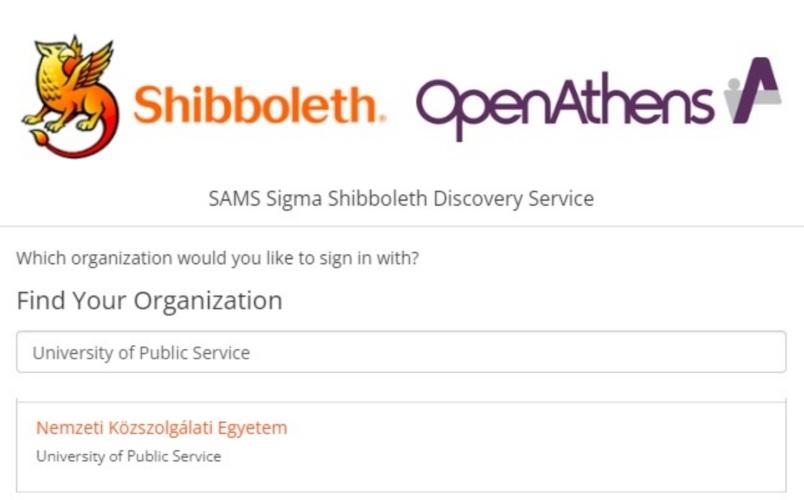
Choose „Sign in” menu item – „Sign in through your institution” - „Nemzeti Közszolgálati Egyetem/University of Public Service" - then enter eduID log-in information.
Choose „Access/Profile” - „View access options" - „Access through your institution" - "University of Public Service" - then enter eduID log-in information.

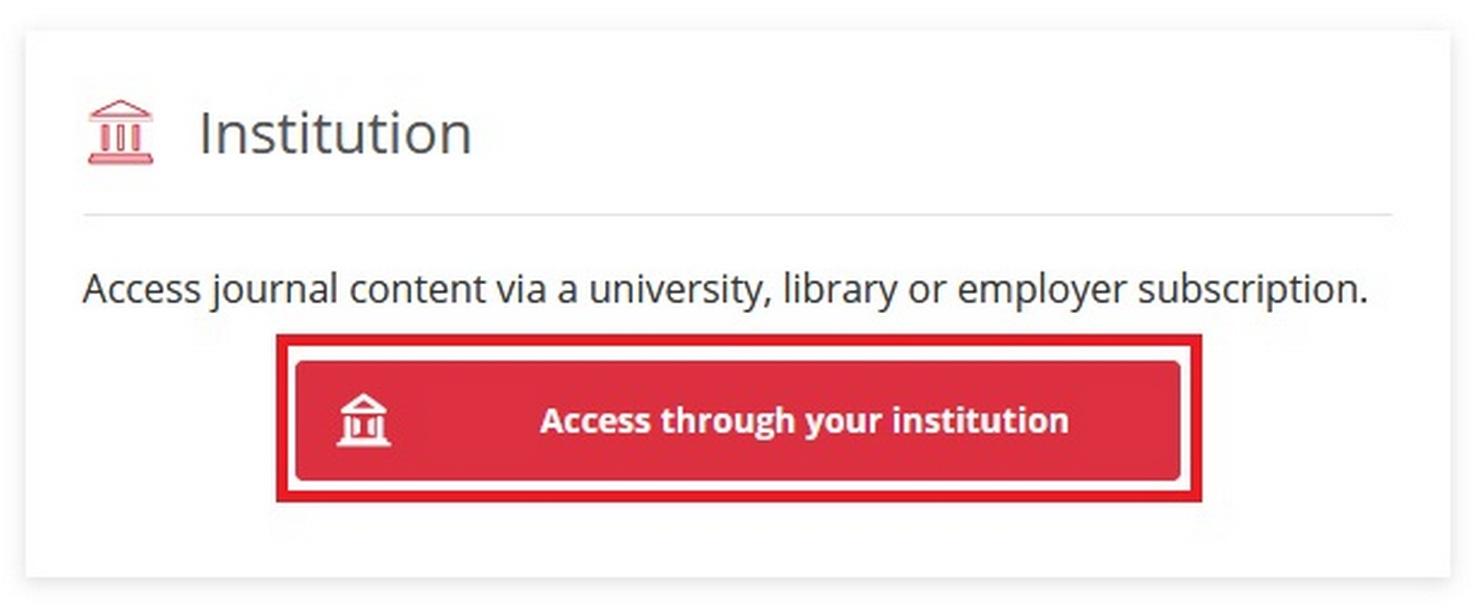
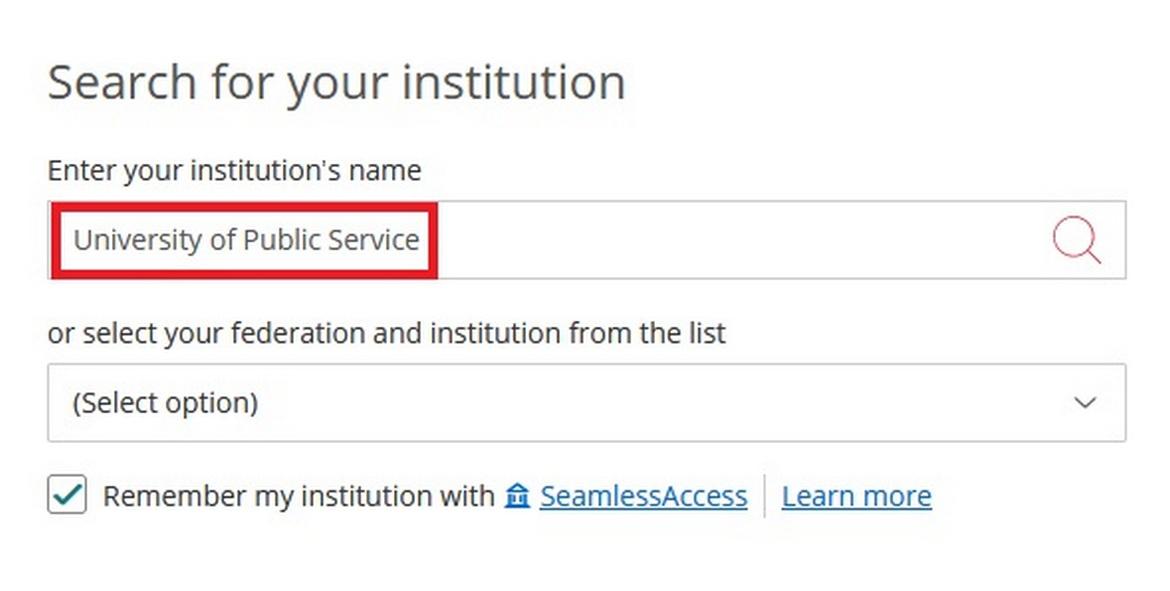
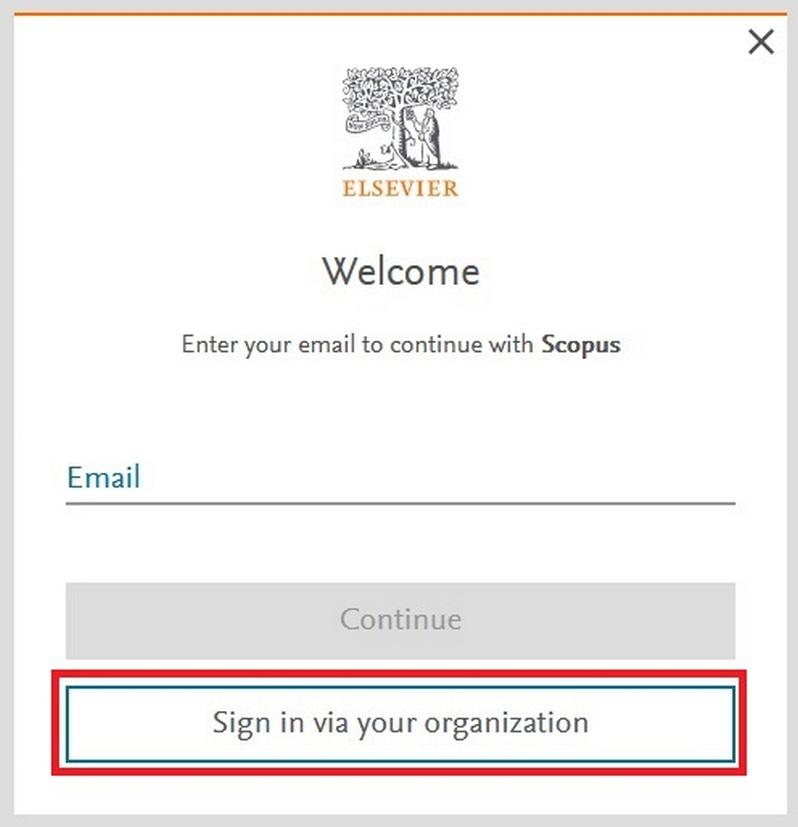
Choose „Sign In” - „Sign in via your organization" - „Ludovika University of Public Service" - then enter eduID log-in information.

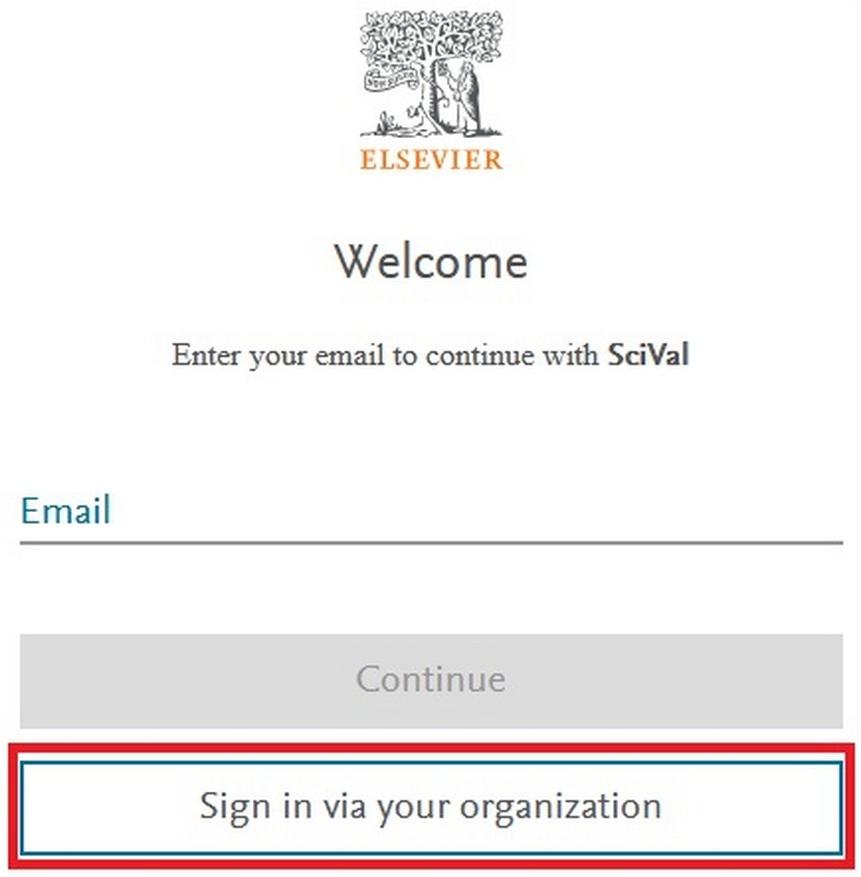
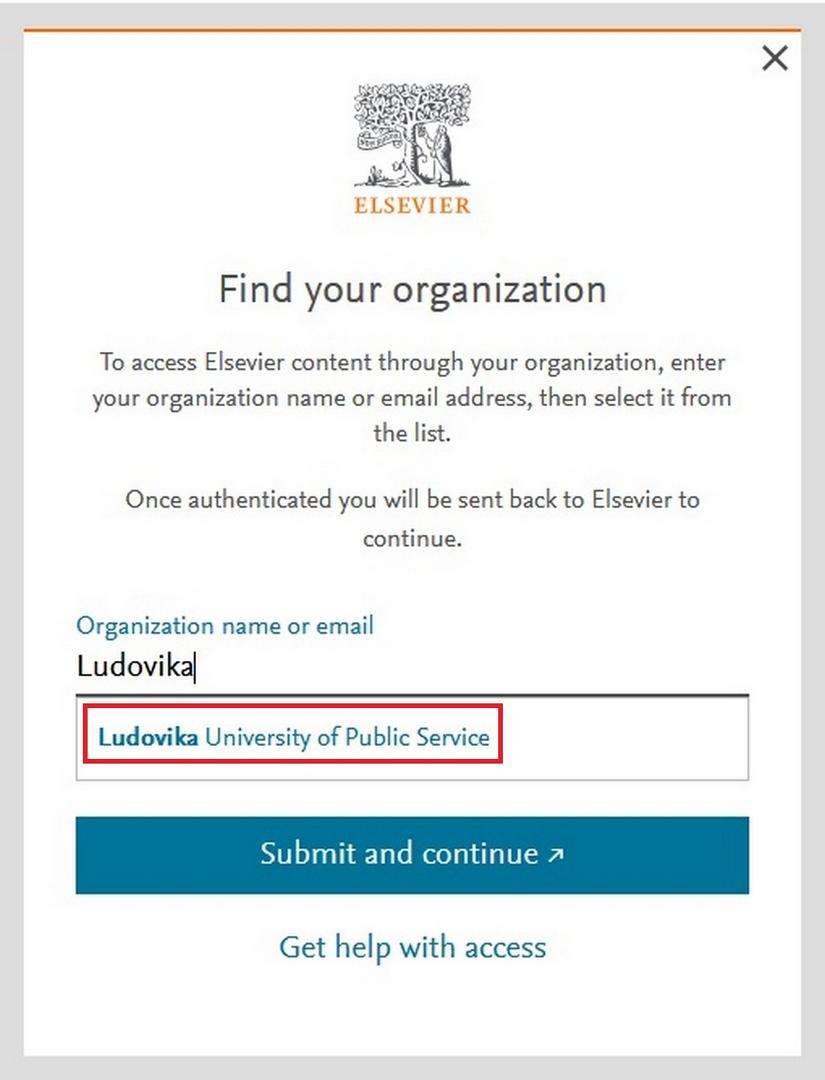
Choose „Sign In” - „Sign in via your organization" - „Univerity of Public Service/Ludovika University of Public Service" - then enter eduID log-in information.

Springer Nature - SpringerLink
Springer Ebooks
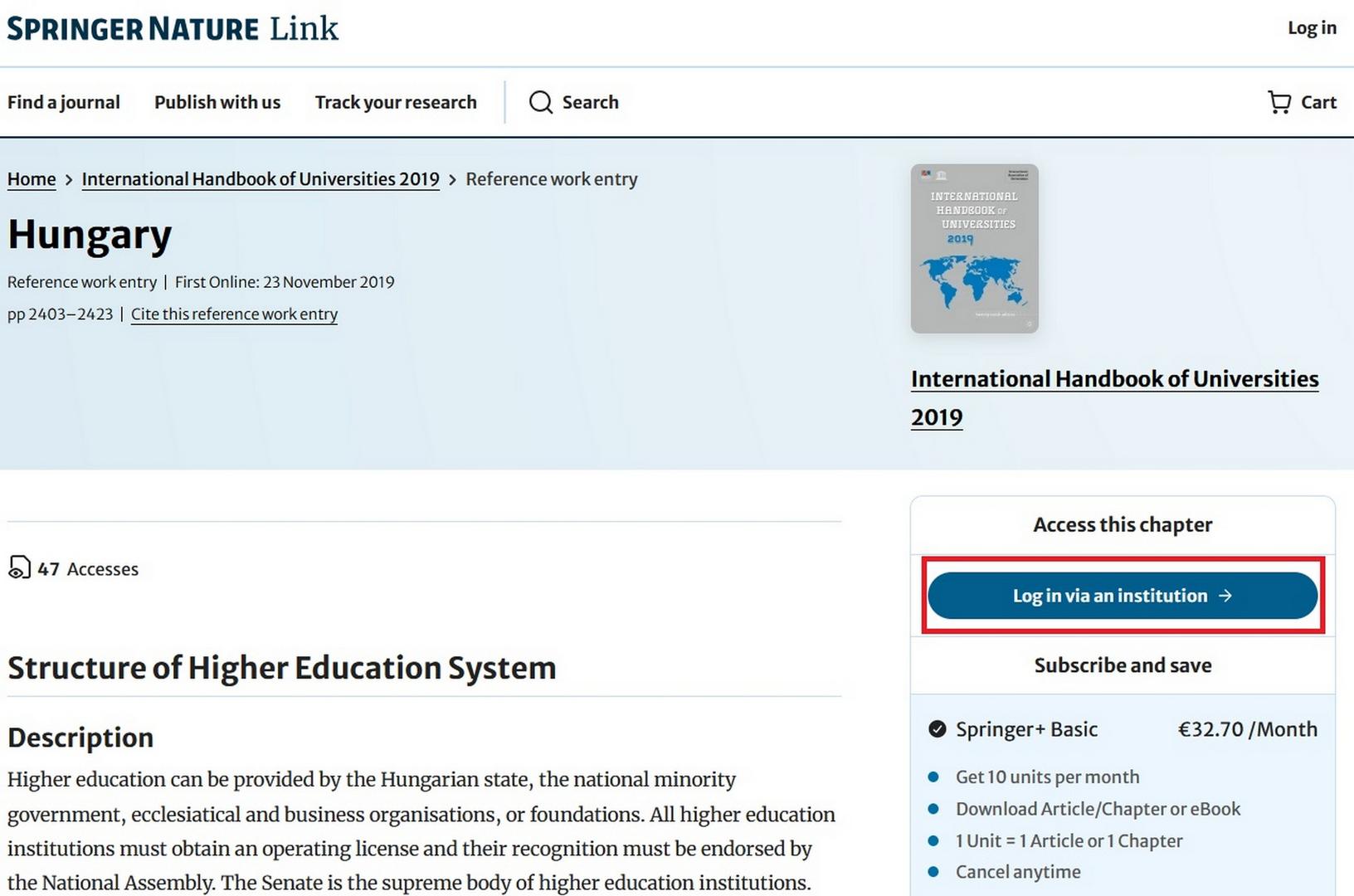
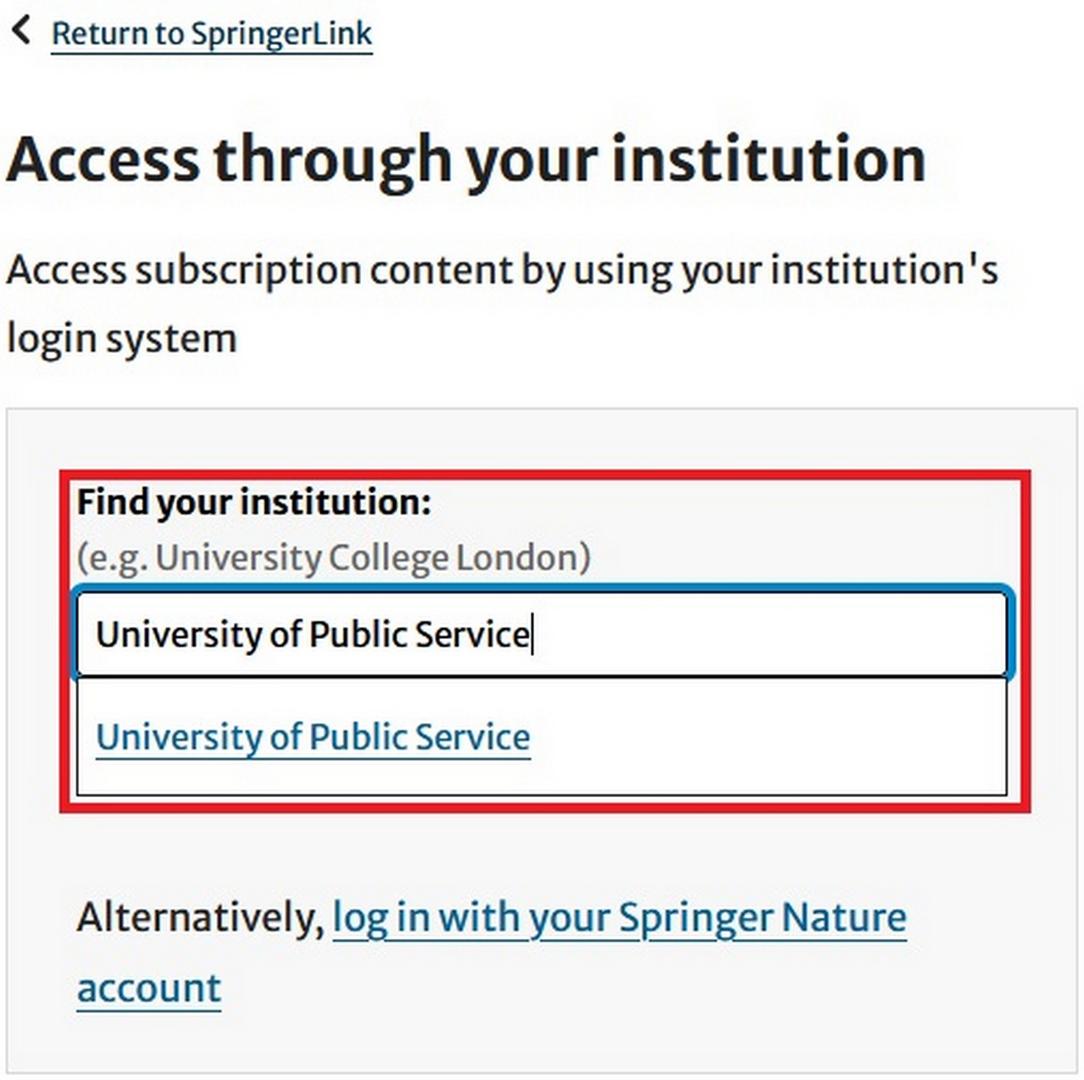
Choose „Access via your institution" - „University of Public Service" - then enter eduID log-in information.
Choose „Bejelentkezés" - „eduID Bejelentkezés eduID fiókkal" - „Ludovika University of Public Service" - then enter eduID log-in information.
Choose „Bejelentkezés" - „eduID Bejelentkezés eduID fiókkal" - „Ludovika University of Public Service" kiválasztása - then enter eduID log-in information.
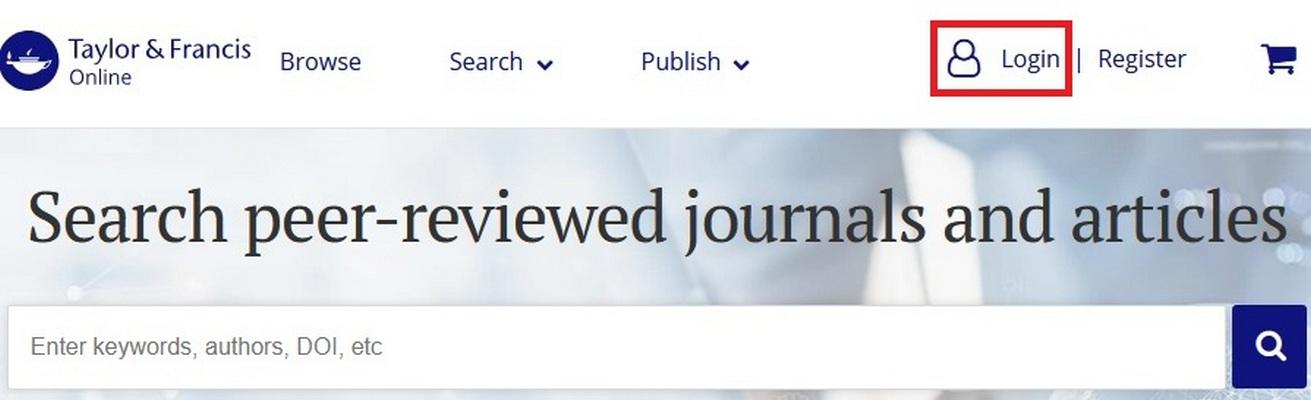
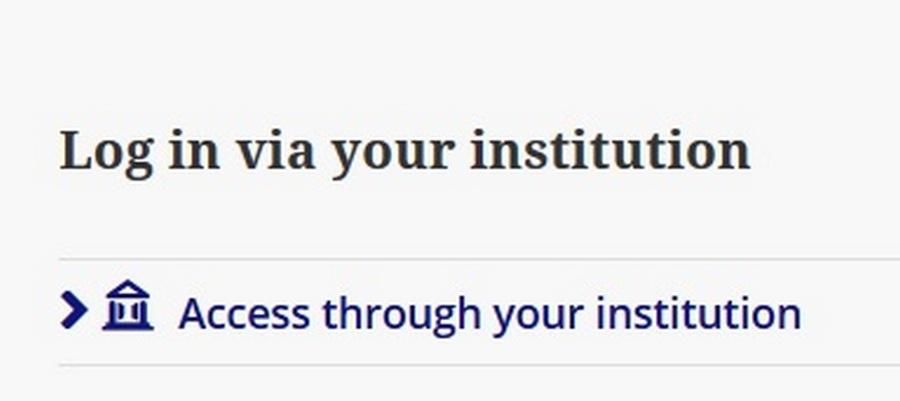
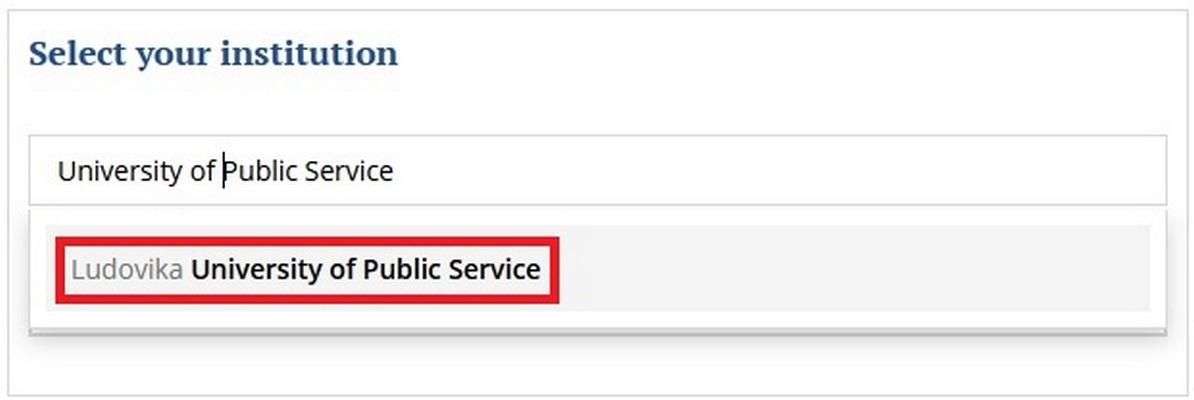
Choose „Log in” - „Log in via your institution” – „Access through your institution” – „Select your institution” - „University of Public Service" - then enter eduID log-in information.
Tinta Könyvkiadó - Szakkönyvtár - (Új előfizetés)
Choose „Bejelentkezés" - „eduID Bejelentkezés eduID fiókkal" - „Ludovika University of Public Service" - then enter eduID log-in information.
Typotex - Interkönyv - (Új előfizetés)
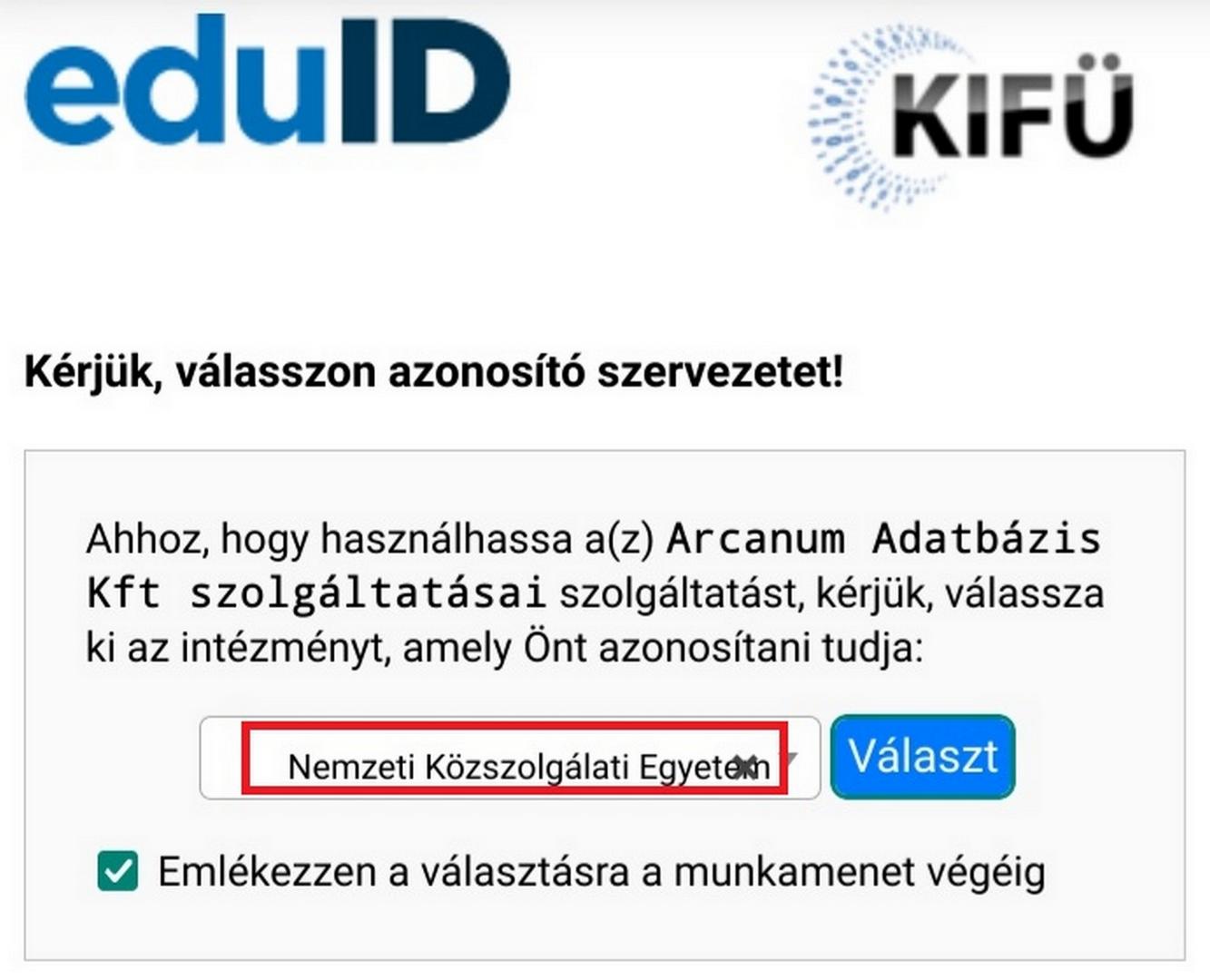
Choose „eduID Belépés" - „Nemzeti Közszolgálati Egyetem" - then enter eduID log-in information.

USC SOÁ Alapítvány Vizuális Történelmi Archívum
This service is available after a quick registration process.
Web of Science (Clarivate Analytics)
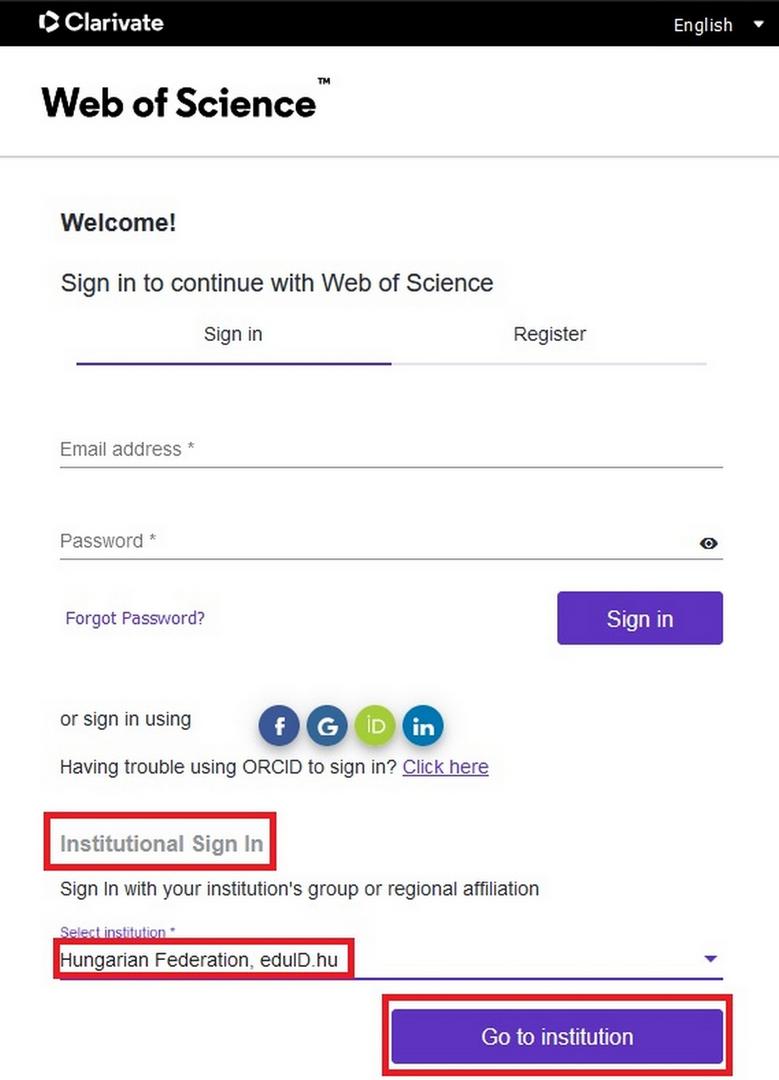
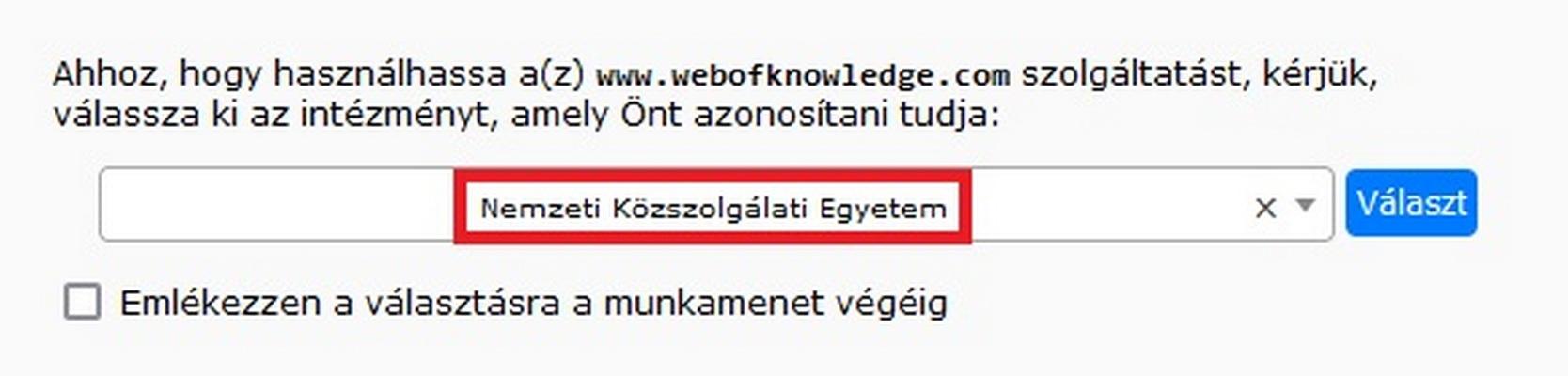
Choose „Institutional Sign In" - „Select institution" - „Hungarian Federation, eduID.hu" - „Go to institution" - „Nemzeti Közszolgálati Egyetem" - then enter eduID log-in information.
---
You can reach the databases from the following website: https://www.uni-nke.hu/konyvtar/adatbazisok